
Insight
Google Now Answers Your Customers' Questions Itself. Here's How Your Business Still Gets Found
Google's AI answers mean fewer clicks to websites. What changed in 2026, what the research says, and five practical steps for small businesses.
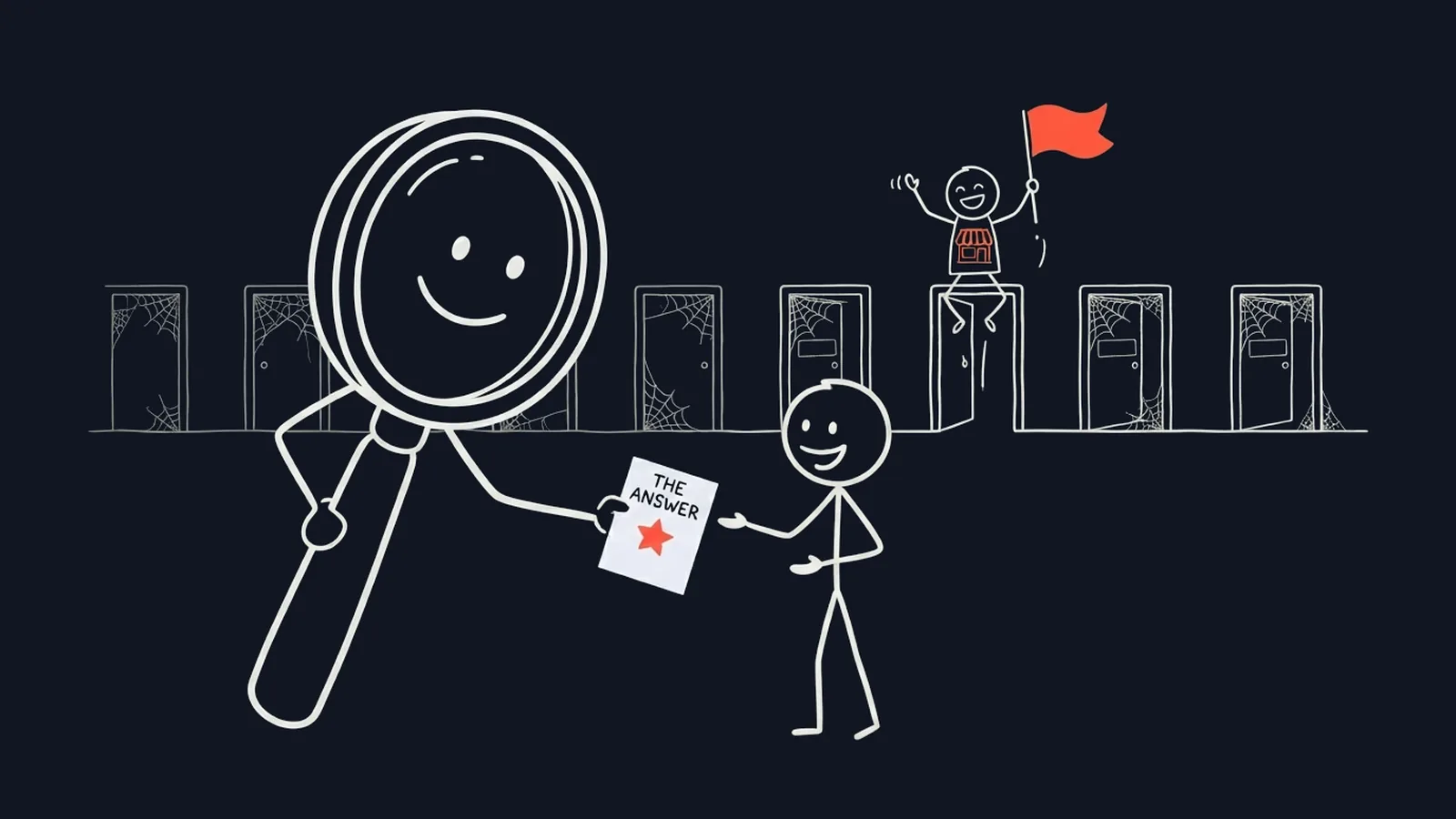
The short version
- Google now answers many questions with an AI-written summary at the top of the page, so fewer people click through to websites.
- The research agrees: clicks are down. But businesses that get mentioned in those AI answers do noticeably better than those that don't.
- Google says there's no secret trick. The same basics still apply: genuinely useful content, a complete Google Business Profile, and a healthy website.
- You can now see, for free, how often your website appears in Google's AI answers.
What's happening
Search for almost anything on Google today and there's a good chance the first thing you see isn't a list of websites. It's a paragraph written by AI that summarizes an answer pulled from several sites. Google calls this an AI Overview.
There's also AI Mode, a chat-style version of Google where people can ask follow-up questions, much like they would with ChatGPT.
Neither of these is an experiment anymore. At its developer conference in May 2026, Google said AI Overviews has more than 2.5 billion monthly users, and AI Mode passed 1 billion monthly users in its first year.
For a business owner, the worry is simple: if Google answers the question itself, why would anyone visit your website?
What people are saying
Researchers: yes, fewer people click
Pew Research Center studied the real browsing behavior of 900 US adults. When an AI summary appeared, people clicked a regular search result in about 8% of visits, compared with 15% when there was no summary. Links inside the AI summary itself were clicked in only about 1% of visits. Pew also found that longer searches and searches phrased as questions were the most likely to trigger an AI summary.
Marketing agency Seer Interactive found the same pattern on a much larger scale. For informational searches that showed an AI Overview, the share of people clicking on regular results fell 61% from mid-2024, and clicks on paid ads for those same searches fell 68%.
But the same study had a silver lining. Brands that were cited inside the AI answer earned 35% more organic clicks and 91% more paid clicks than brands that weren't. (The researchers are careful to say they can't prove the citation causes the extra clicks, but the pattern is hard to ignore.)
Google: there's no new secret playbook
In May 2026, Google published its first official guide to showing up in its AI features. The main message: it's still SEO. Google's AI answers are built on top of its regular search rankings, so the same fundamentals still decide who gets shown.
The guide puts the most weight on content that's genuinely useful and offers something nobody else does. Google's own example is the difference between a first-hand review based on real experience and an article that simply repeats what's already online.
Just as useful is what the guide says you don't need. Special "AI files" such as llms.txt, special code markup, and rewriting your pages "for AI" don't help you appear in Google's AI answers, according to Google. If someone is selling you an "AI optimization hack," treat it with caution.
For local businesses and online shops, the guide specifically names your Google Business Profile and Merchant Center product feeds as ways to help your services and products appear in AI answers.
Finally, a way to measure it
Until recently, you had no way of knowing whether your website appeared in these AI answers. In June 2026, Google added a "Generative AI" report to Search Console, its free tool for website owners. On August 31, Google said the report had rolled out to all websites worldwide.
The report shows how often your pages appeared in AI Overviews and AI Mode. Two caveats: it counts appearances, not clicks, and sites with very few AI appearances may not see a report yet.
Watch
Yoast's monthly SEO update walks through what Google announced in May and what it means for website owners, in plain language: Google I/O AI search changes, AI Mode & WordPress 7.0 (Yoast, YouTube)
What this means for your business
Here's our take, after reading the research and watching these changes play out.
1. Website traffic is no longer the only scoreboard. If your traffic from Google has dipped but phone calls, enquiries and sales have held steady, you may not be losing business at all. Some of the "reading around" your customers used to do on websites now happens on Google itself. Judge your online marketing by leads and sales, not visits alone.
2. "How-to" content is the most exposed. General questions like "how often should I service my boiler?" are exactly what AI summaries answer well. Searches where someone is ready to choose a business, like "boiler service near me," are where you still have the best chance to win the click.
3. Being the business the AI mentions is the new page one. Google's AI pulls from your website, your Google Business Profile, your reviews, and what others say about you online. If any of those are thin, out of date, or contradict each other, it's easy for the AI to recommend someone else.
4. Original beats generic. Google is openly rewarding content that only you could have written: your prices, your process, your photos, your customer stories. A page that says the same thing as 50 other websites gives the AI no reason to mention you.
What to do this month
- Check the new report. In Google Search Console, open the Performance section and look for the Generative AI view. Note which of your pages appear. (No Search Console account yet? Setting one up is step zero, and it's free.)
- Complete your Google Business Profile. Services, hours, service area, photos, and a steady flow of genuine reviews. Make sure your business name, address and phone number match everywhere they appear online.
- Ask Google about yourself. Search "best [your service] in [your city]" and try the AI Mode tab. Are you mentioned? Is what it says accurate?
- Upgrade your three most important pages. Add what only you can say: real price ranges, real examples, photos of your actual work, and answers to the questions customers ask you on the phone.
- Track leads, not just visits. Make sure form submissions, calls and bookings are recorded in your analytics so you can see what's really happening.
Want a second pair of eyes?
Not sure whether Google's AI is mentioning your business, or what it's saying about you? We'll run a free AI search visibility check: we look at your Search Console data, your Google Business Profile and how Google's AI answers questions in your market, then send you a short list of fixes in plain English.
Sources
- Google: I/O 2026: Welcome to the agentic Gemini era (Sundar Pichai)
- Pew Research Center: Google users are less likely to click on links when an AI summary appears in the results
- PPC Land: Google AI Overviews reduce organic CTR 61%, paid traffic 68% (Seer Interactive study)
- Google Search Central: Optimizing your website for generative AI features on Google Search
- Google Search Central Blog: A new resource for optimizing for generative AI in Google Search
- Search Engine Journal: Google Search Console AI reports rolled out worldwide
- YouTube (Yoast): Google I/O AI search changes, AI Mode & WordPress 7.0